
Generating a Summary Report
| 1. | In the navigation pane, click Reports. |
| 2. | Click Summary report.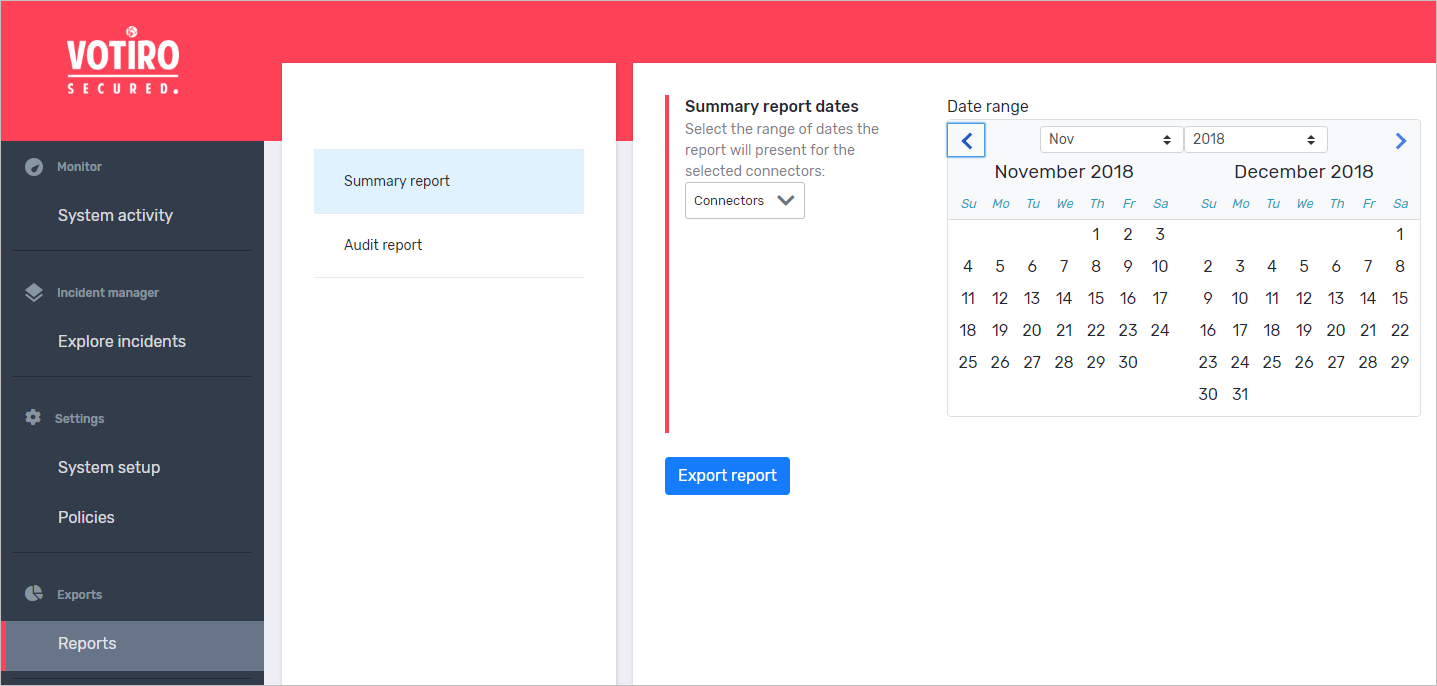 |
| 3. | From the Connectors list, select the connectors for which to generate the report. |
| 4. | In the period selector, navigate to the desired start month either by clicking the right and left arrows or by selecting a month and year from the lists. |
| 5. | Click the start date. |
| 6. | Navigate to the desired end month. |
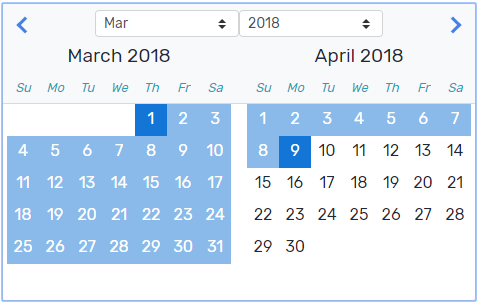
| 7. | Click the end date. |
The selected period is highlighted.
| 8. | Click Export Report. |
The report is downloaded to your computer.
Comments
0 comments
Please sign in to leave a comment.